
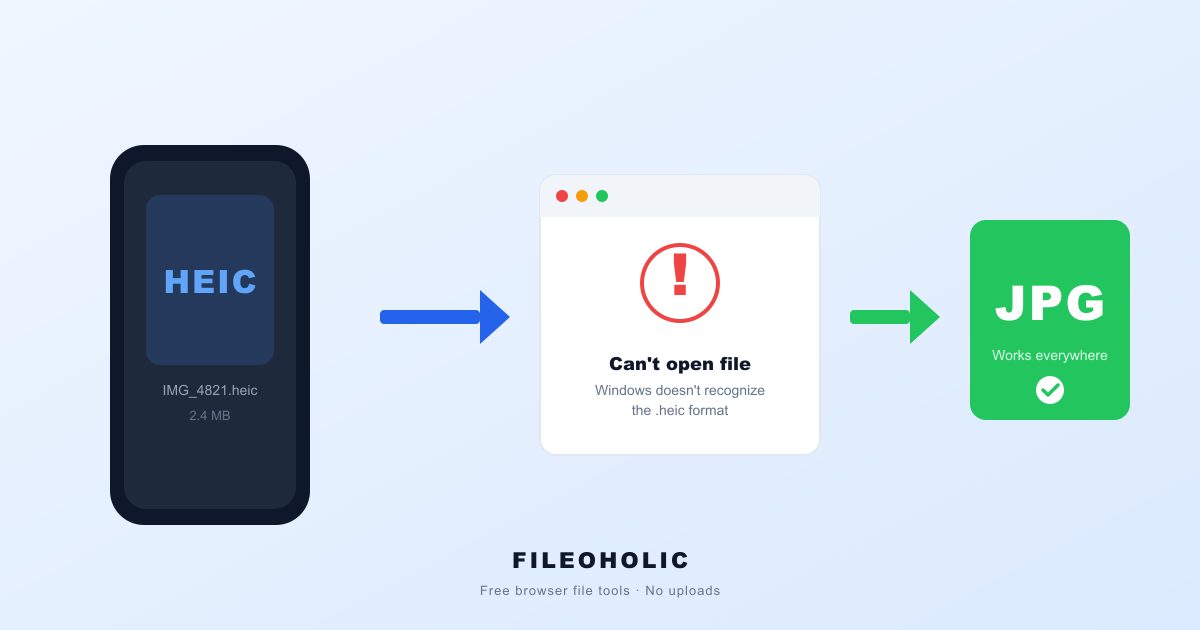
A blank icon usually means your device or messaging app can't open the HEIC format. Try these fixes in order.
A blank icon can mean the device or app you're using can't display the HEIC image. It doesn't mean the photo is broken. Start by downloading it and opening it in a different app. If you're on Windows, you may need to install a HEIF codec. The quickest workaround is to ask your friend to resend the photo as a JPEG or PNG. The exact steps depend on your devices and the messaging app involved.
Quick checks
- A blank icon fits a format problem, but it doesn't prove one. Microsoft says non-Apple devices can store or preview HEIF files without being able to open them, and some Windows PCs need an extra codec. Download the attachment and try a different photo app. If that doesn't work, ask your friend for a JPEG or PNG copy.
- If you're on Windows, check whether an HEIF codec is installed. Microsoft says you may need one to open downloaded HEIF files, and Adobe's instructions for Bridge on Windows call for the HEIF and HEVC extensions to preview HEIC images. HEVC covers video, so for a still photo, focus on HEIF support first.
- If you can get the image onto a Mac, open it in Photos or Preview and export it as a JPEG or PNG. Then send the converted copy back to yourself, or have your friend send a compatible one. This is a practical workaround based on Apple's export option. It won't guarantee that every messaging app displays the original correctly.
Why a photo can arrive without a preview
HEIC is a still-image format from the HEIF family. Getting a file and showing it are two separate steps. The messaging service may deliver the image just fine, while the app you read messages in, or your device's photo software, doesn't know how to decode it. Microsoft notes that on non-Apple devices, HEIF files may be stored or previewed in OneDrive but still fail to open on the device without extra apps. So compatibility is a sensible first thing to check when an image shows up as a blank or generic icon.
The way a photo is shared can also change its format. Apple says that when HEIF media is imported from an iPhone or iPad into Photos, Image Capture, or a PC, it might be converted to JPEG. Sharing through iCloud Photos, on the other hand, keeps the original format. That's why two photos from the same iPhone can reach another device in different shapes. We don't know which messaging app is involved in your case, so we can't say whether it converts HEIC or passes it through untouched.
Troubleshooting the blank icon
- Download the attachment and open it in a photo app that supports HEIF.
- On a Mac, export it from Photos or Preview as a JPEG or PNG.
- On Windows, you may need a HEIF codec.
- On non-Apple devices, opening the file locally may take an extra app.
- Ask your friend to resend a JPEG or PNG.
- For future iPhone photos, the Most Compatible setting saves JPEGs, but it uses more storage.
Use the symptom to pick a first check, not to guess the cause. Try a compatible viewer, install HEIF support if your device needs it, or ask for a converted copy.
Choose the fix for your device
On Windows, try opening the downloaded image in a photo app that supports HEIF. If Windows or the app can't open it, install the HEIF codec from a trusted source. Microsoft says one may be needed. In Adobe Bridge on Windows, Adobe specifically calls for the HEIF and HEVC extensions to preview HEIC images. If you just need a quick look, Microsoft says you can view HEIF files in the OneDrive website through any browser. That only helps if the image is actually in your OneDrive, though, and a message attachment isn't automatically there.
On a Mac, open the image in Photos or Preview, then choose File > Export and save a JPEG or PNG copy. On older Apple software, a warning icon can show up for HEIF media. Apple says full viewing, editing, or duplicating needs iOS 11 or later, or macOS High Sierra 10.13 or later. Updating may help on an older device, but it won't fix a separate limitation inside the messaging app.
On Android or another non-Apple device, support depends on the device and its software, and you may need an extra app. Microsoft says non-Apple devices can preview or store HEIF files without opening them locally. If you'd rather skip the codec hunt, asking for a JPEG or PNG is the most direct next step. We couldn't confirm which Android versions or messaging apps can display the exact file you received.
HEIC Not Opening on Windows 10 or 11? Why, and the Free Fix (No Upload) | fileoholic.com

How to enable HEIC and HEVC support on Windows | youtube.com
Prevent the same problem with future photos
If your friend uses an iPhone and this keeps happening, ask them to send an exported JPEG or PNG copy. Apple documents how to export a HEIF image from Photos or Preview on a Mac. A Microsoft support answer also suggests going to Settings > Camera > Formats > Most Compatible on the iPhone, so it saves JPEGs instead of HEIC. It does use more storage. And it only changes the format of future photos. It won't convert an image that's already been sent.
For transfers from an iPhone to a computer, Apple says the media might be converted during import, and there's a Keep Originals setting for people who don't want that. A Microsoft Q&A answer suggests choosing Automatic instead of Keep Originals when you're sending photos to Windows. Treat that as a transfer setting, not a universal messaging-app fix, because the result depends on how the photo was sent.
What the blank icon does and doesn't tell you
The icon alone can't tell you whether the problem is the file format, the messaging app, an incomplete download, or a damaged file. We don't know your device, your friend's device, the app, or whether the image arrived intact. So start simple: download it, try another viewer, and ask for a JPEG or PNG copy. If a converted copy fails too, check the messaging app or talk to the sender, since the sources here don't cover app-specific recovery steps.
Frequently asked questions
Does a blank icon mean the photo is corrupted?
Not necessarily. A blank icon often just means the app can't open HEIF, and it doesn't tell you whether the file is damaged. Download the attachment and try another app. If it still won't open, ask the sender for a JPEG or PNG copy.
What should I try first on Windows?
Open the downloaded image in a photo app that supports HEIF. Microsoft says Windows may need a codec to open HEIF files. If you use Adobe Bridge, Adobe's Windows instructions call for the HEIF and HEVC extensions before it can preview HEIC images.
Can my friend change a setting so future iPhone pictures are easier to open?
Yes, to a point. A Microsoft support answer points to Settings > Camera > Formats > Most Compatible, which saves photos as JPEG instead of HEIC. The trade-off is more storage. It only affects new photos, not ones already sent. Microsoft's OneDrive page also notes that some iOS devices no longer offer that option.
Why might one iPhone photo open while another does not?
It can come down to how the photo was shared. Apple says media imported from an iPhone or iPad into Photos, Image Capture, or a PC might be converted to JPEG, while iCloud Photos sharing keeps the original format. Nothing here shows what your messaging app does, so asking for a JPEG copy is the dependable workaround.
Can I convert the photo myself?
If you can open it on a Mac, yes. Apple documents exporting a HEIF image from Photos or Preview as a JPEG or PNG. If you can't open the original anywhere, ask the sender to convert it and resend it. There's no single conversion method that works on every device or messaging app.
Conclusion
A blank icon doesn't point to one cause, but HEIF compatibility is a smart first check. Try another viewer, add HEIF support if your device needs it, or ask your friend for a JPEG or PNG. If it keeps happening with iPhone-to-Windows photos, talk about the future photo format or transfer settings rather than expecting a camera setting to fix the attachment you already have.
Good to know: we don't know your devices, operating systems, messaging app, or whether the file arrived intact. That means the exact cause and the app-specific steps can't be confirmed from here.
Sources
- support.apple.com
- support.microsoft.com
- helpx.adobe.com
- learn.microsoft.com
- heic.info